
YoloMouse - Cursor Changer
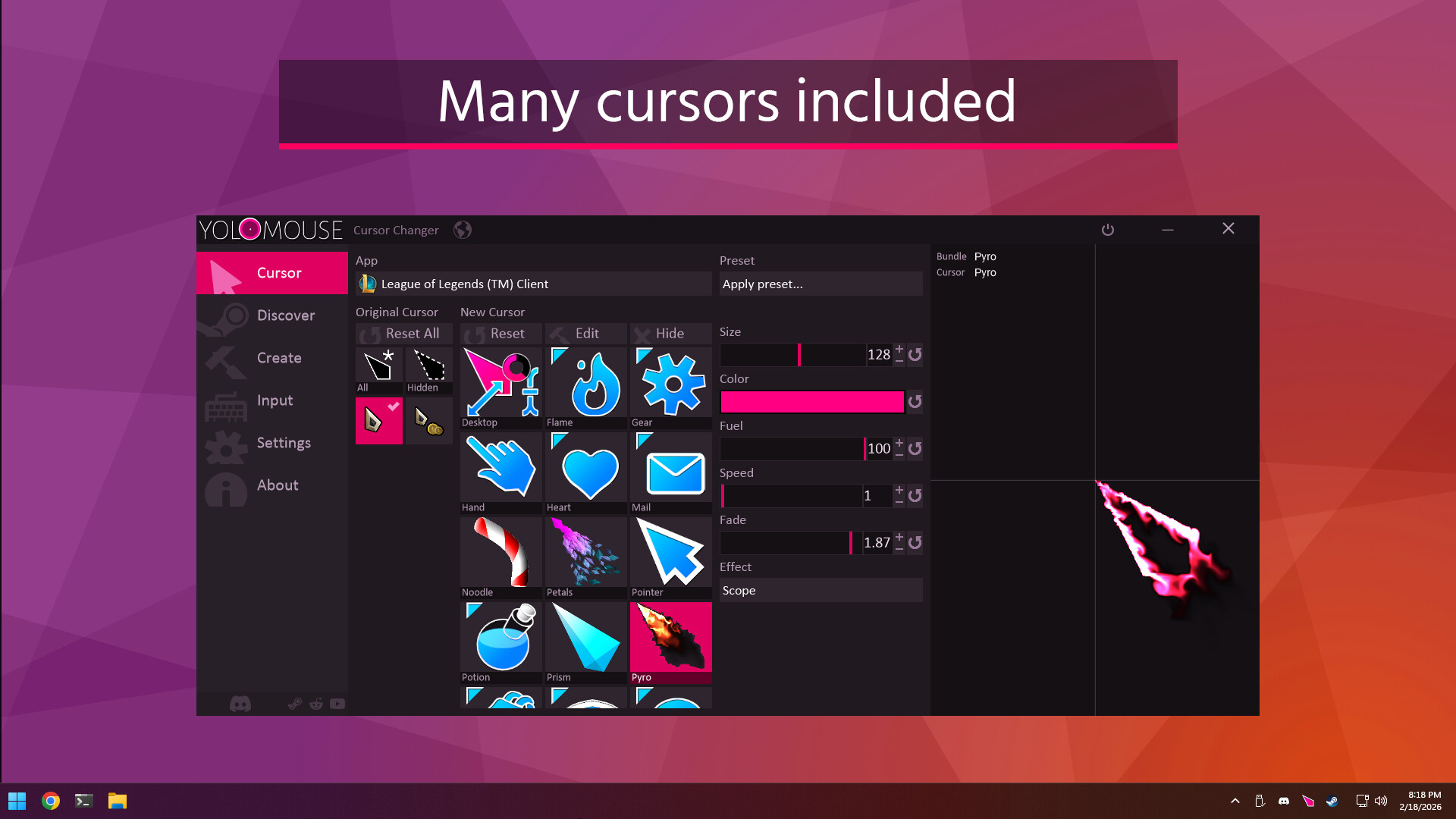
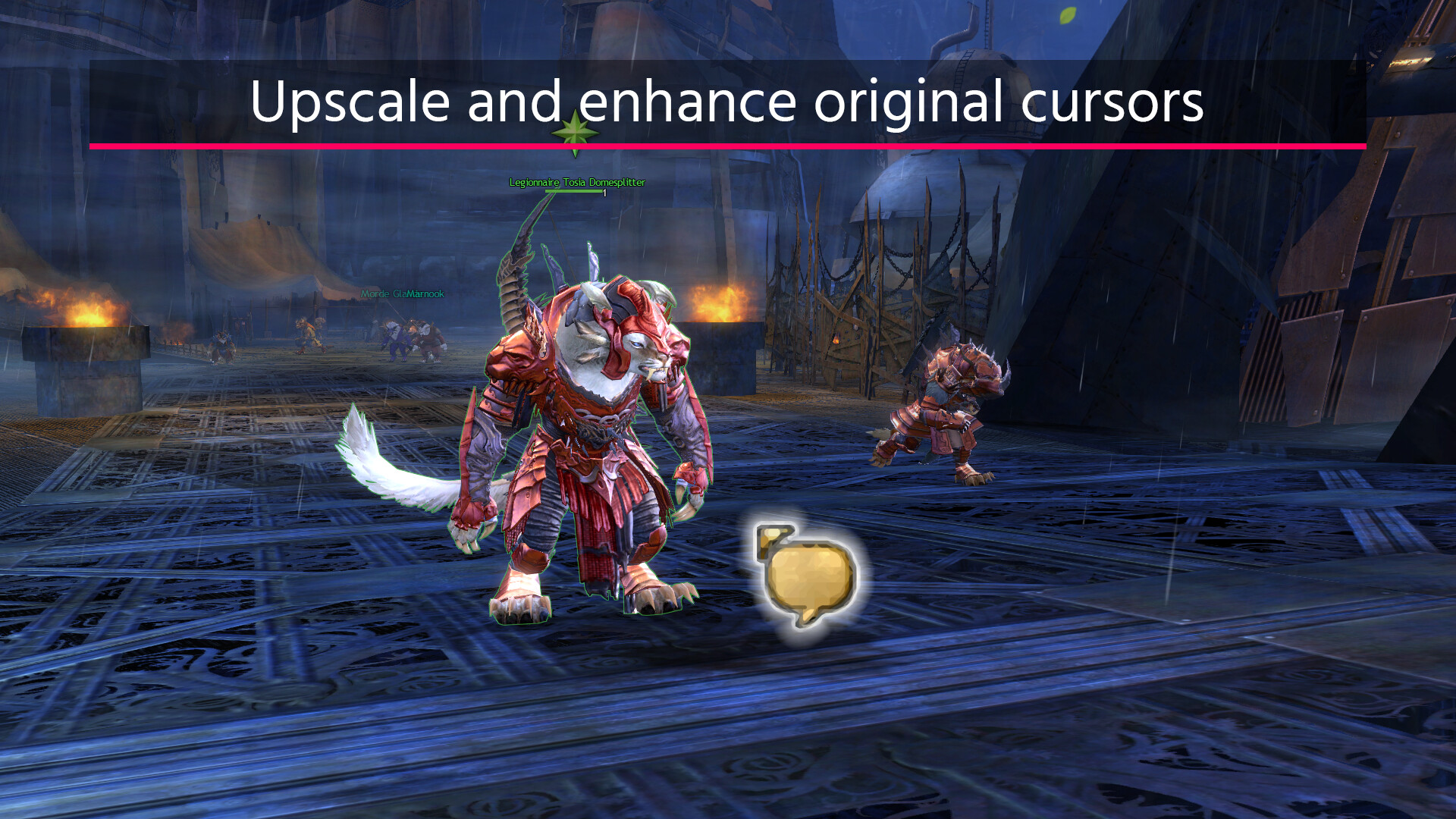
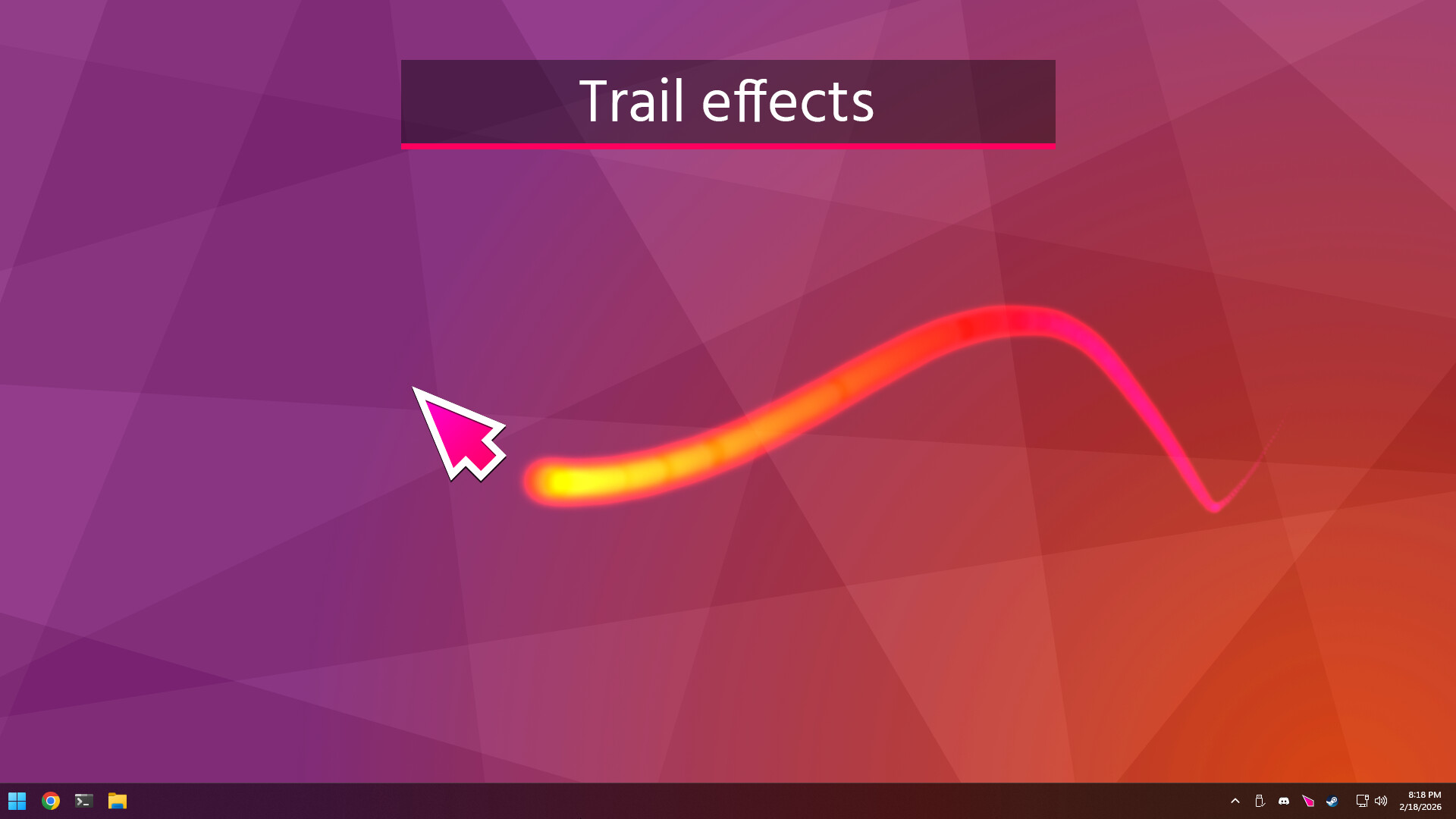
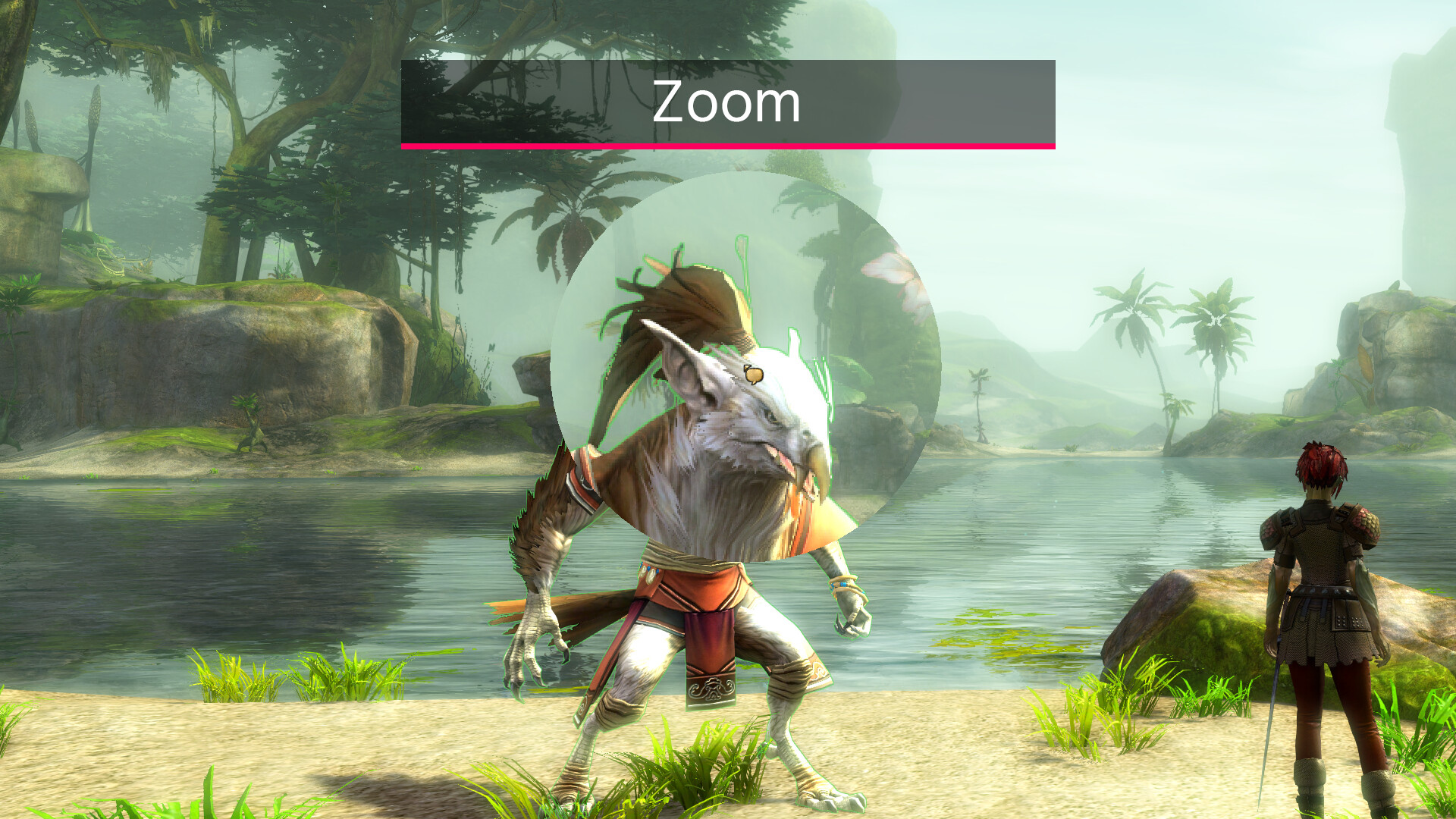
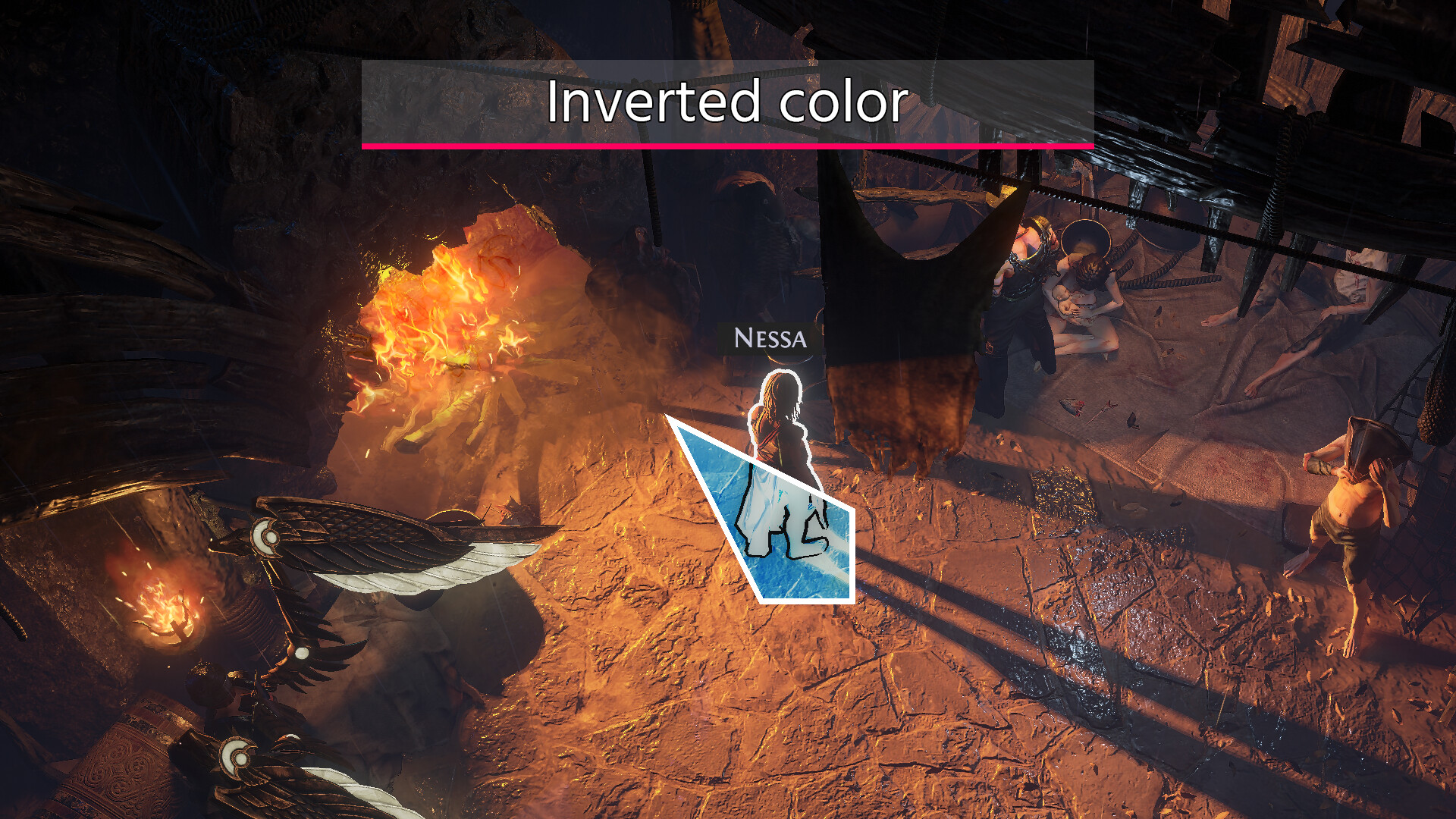
YoloMouse lets players swap out any game's default cursor for a custom one they design themselves. Users import images, apply scaling and visual effects, then assign the new cursor to specific applications or system-wide. The software runs in the background, instantly replacing the original pointer whenever the chosen program launches.
Review
Gameplay

Screenshots
Community
#yolomouse-cursor-changer · No posts yet — start the conversation.
Join to discussMore like this
Next game › ★ 6
ROB RUN
Action · Massively MultiplayerPlayers begin in a crowded city district, picking pockets, running errands, and completing jobs for local crews. They e…
 ★ 7
ArcheAge Chronicles
Action · AdventurePlayers create a custom character and travel across Auroria, taking part in land-based battles, sea voyages, and large-…
 ★ 7
Brotato
Action · CasualThe player controls a potato character in a top-down arena, selecting and equipping up to six weapons to fend off waves…
 ★ 8
STALZONE
Action · Massively MultiplayerPlayers enter the Chernobyl Exclusion Zone as free agents, scavenging for resources while navigating a shifting landsca…
 ★ 8
Phantom Blade Zero
Action · RPGYou step into the shoes of Soul, a condemned warrior with sixty-six days left to live, and race across ancient cities,…
 ★ 7
Moon Sweepers
Action · AdventurePlayers are hired to sweep a barren lunar surface, collecting stray dust with a starter toothbrush and hauling it to co…
 ★ 7
MapleStory
Action · AdventurePlayers create a character and enter Maple World, accepting quests, fighting monsters, and leveling up through side-scr…
 ★ 8
THE FINALS
Action · Free To PlayPlayers join three-person teams in 3-minute matches where the goal is to cash out large vaults before rivals or the col…


