
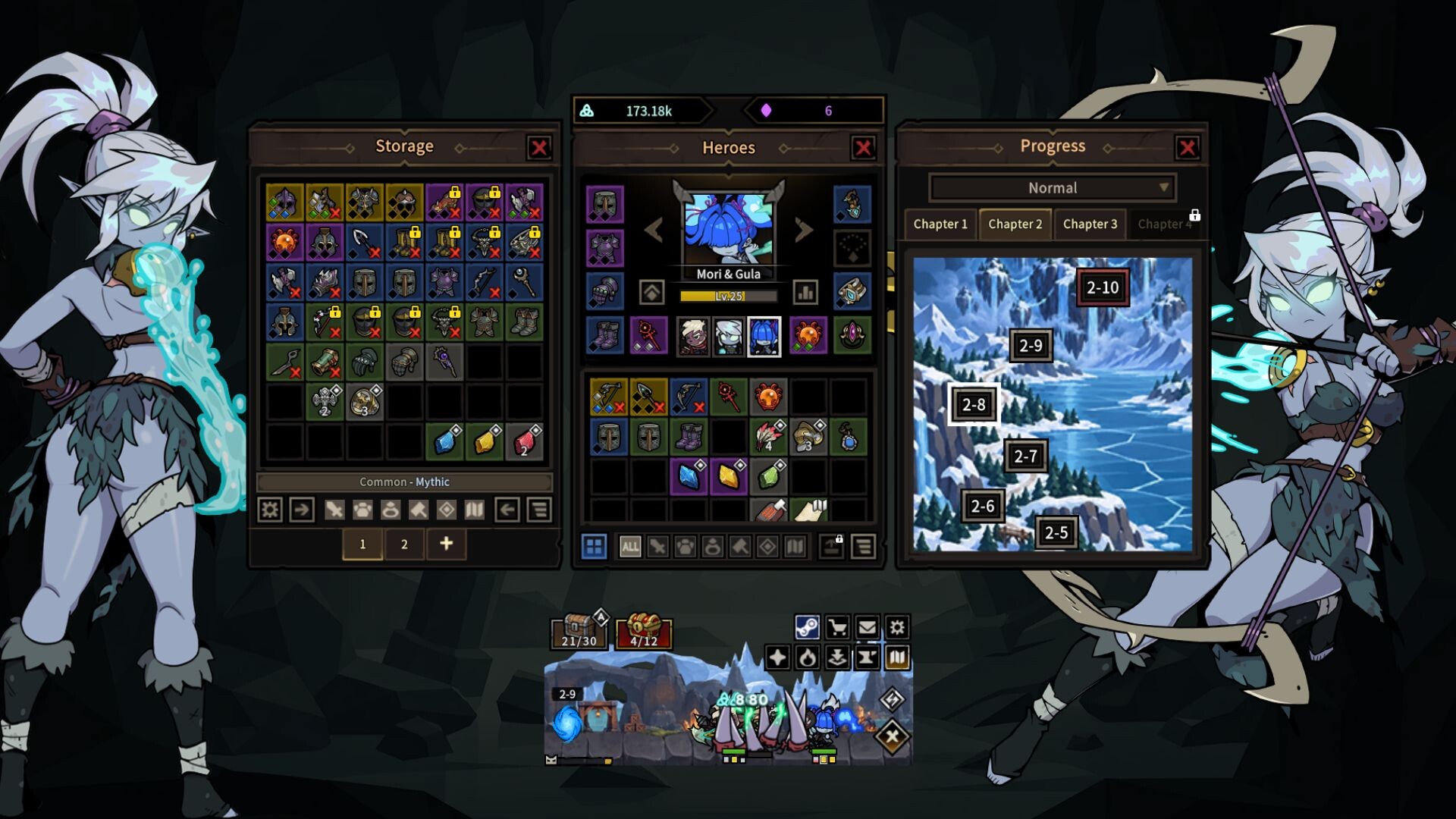

Fifteen minutes in, a tiny skeleton I’d named Bench decided to sit on an empty folder instead of walking into the next fight. The game kept going without me, so I just watched the file icon shake every time it took damage. It felt slower than I expected, even for an idle setup.
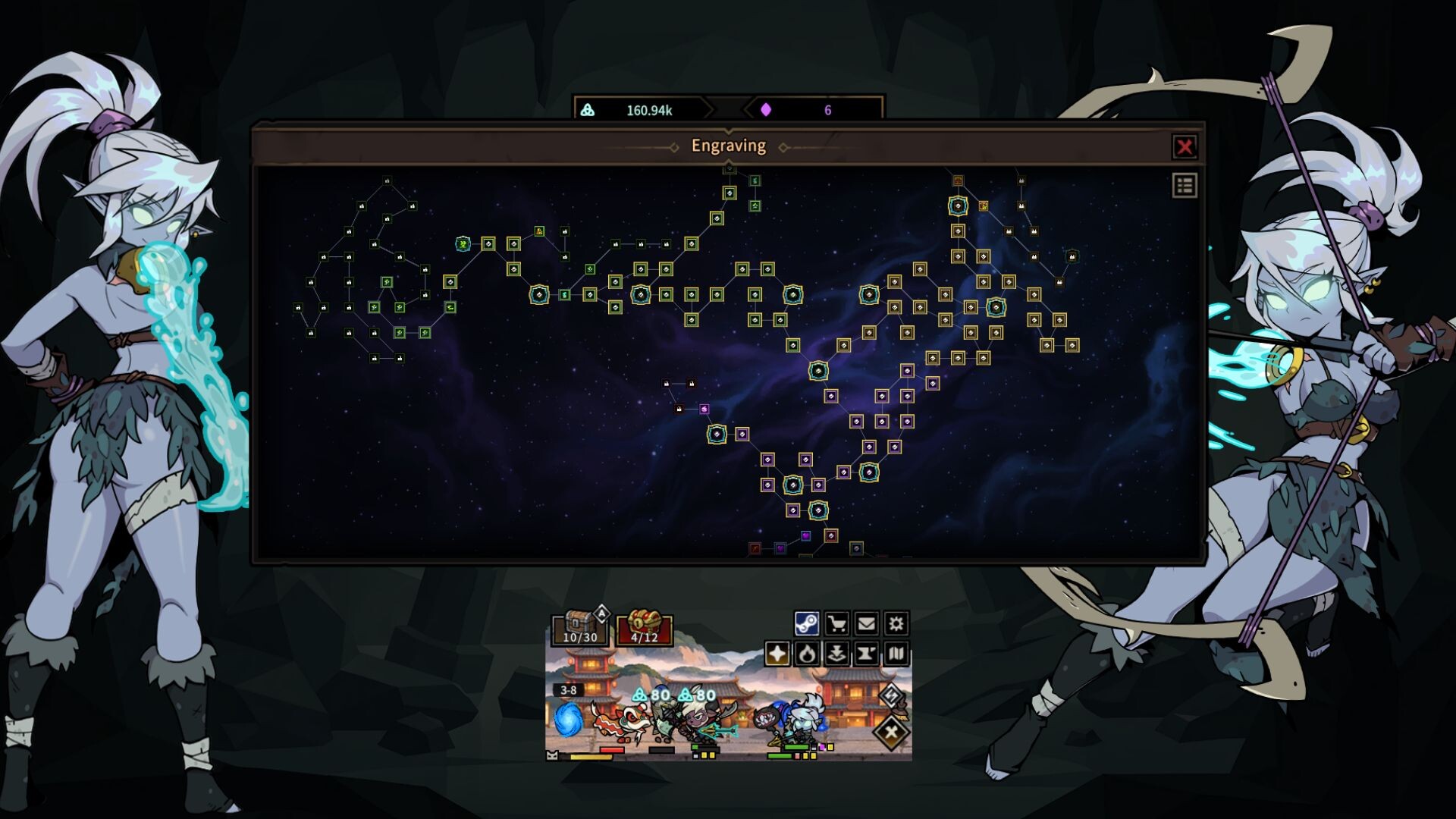
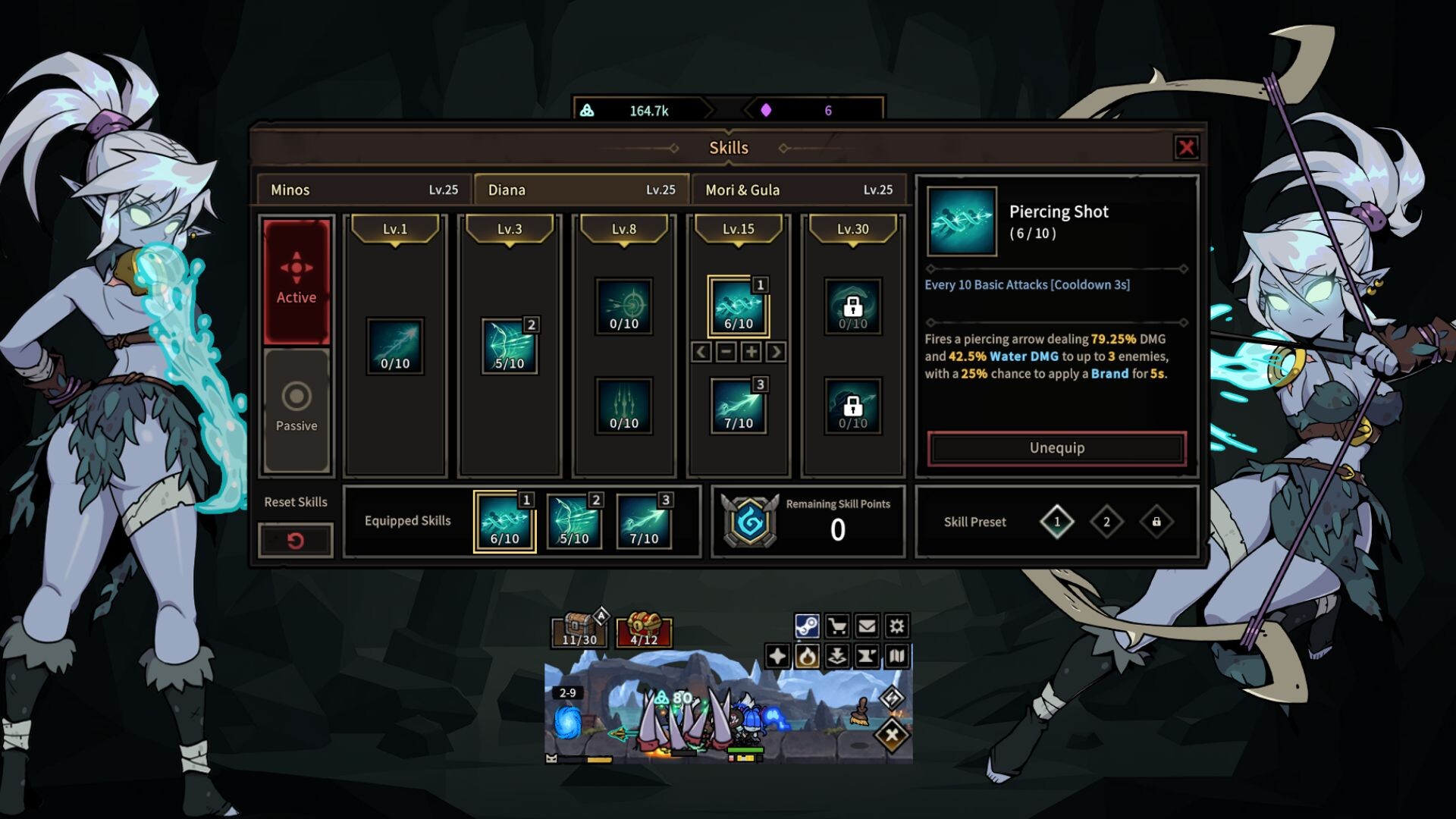
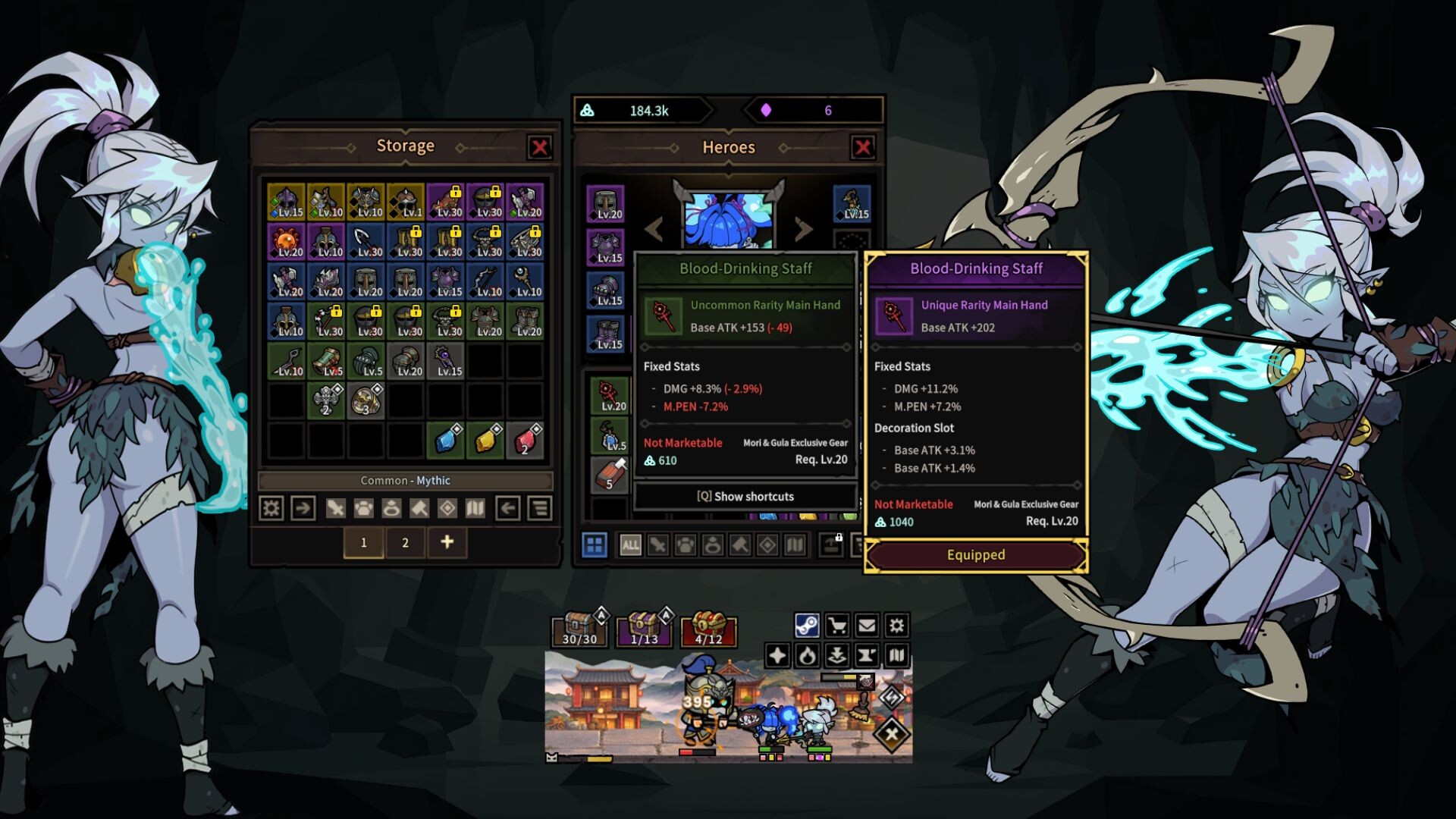
DPS: Desktop Pension Squad wants you to check the menus every few minutes, but the upgrades blur together fast and most of the time you’re just confirming the same numbers again. There’s a short loop of dragging items, picking a perk, and closing the window.
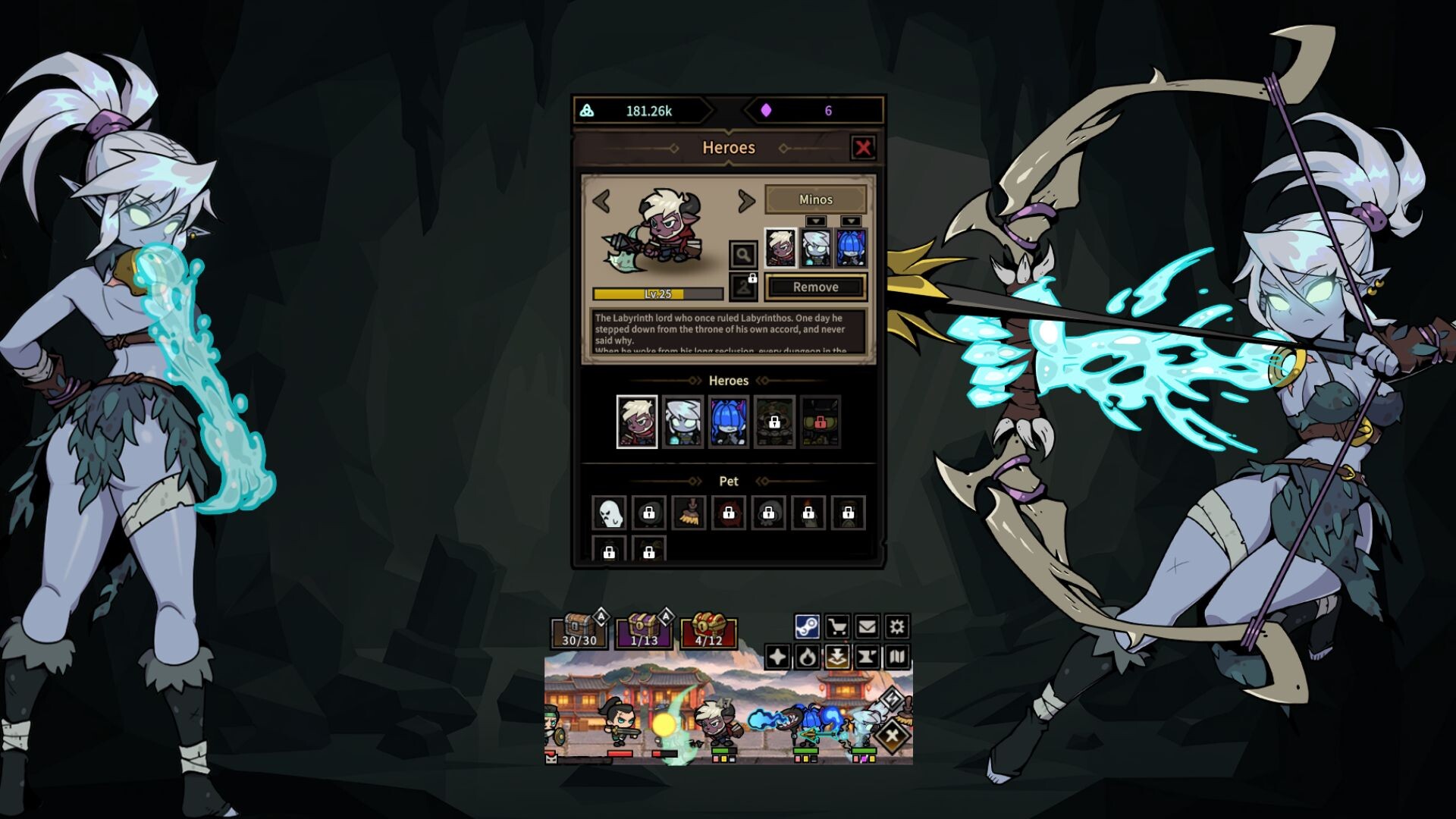
What actually stuck was how little changed after that first bench moment. The fights looked the same whether I was paying attention or answering emails, which is fine if that’s what you want, but it didn’t leave much reason to stay in the window once the squad started moving on its own.
left the screenshots with it
https://dfaceme.com/game/dps-desktop-pension-squad
#dps-desktop-pension-squad