All Games · Indie

VTube Studio

VTube Studio

DFace review of VTube Studio. Filed under Indie, Animation & Modeling, Video Production. Editor rating 8/10.

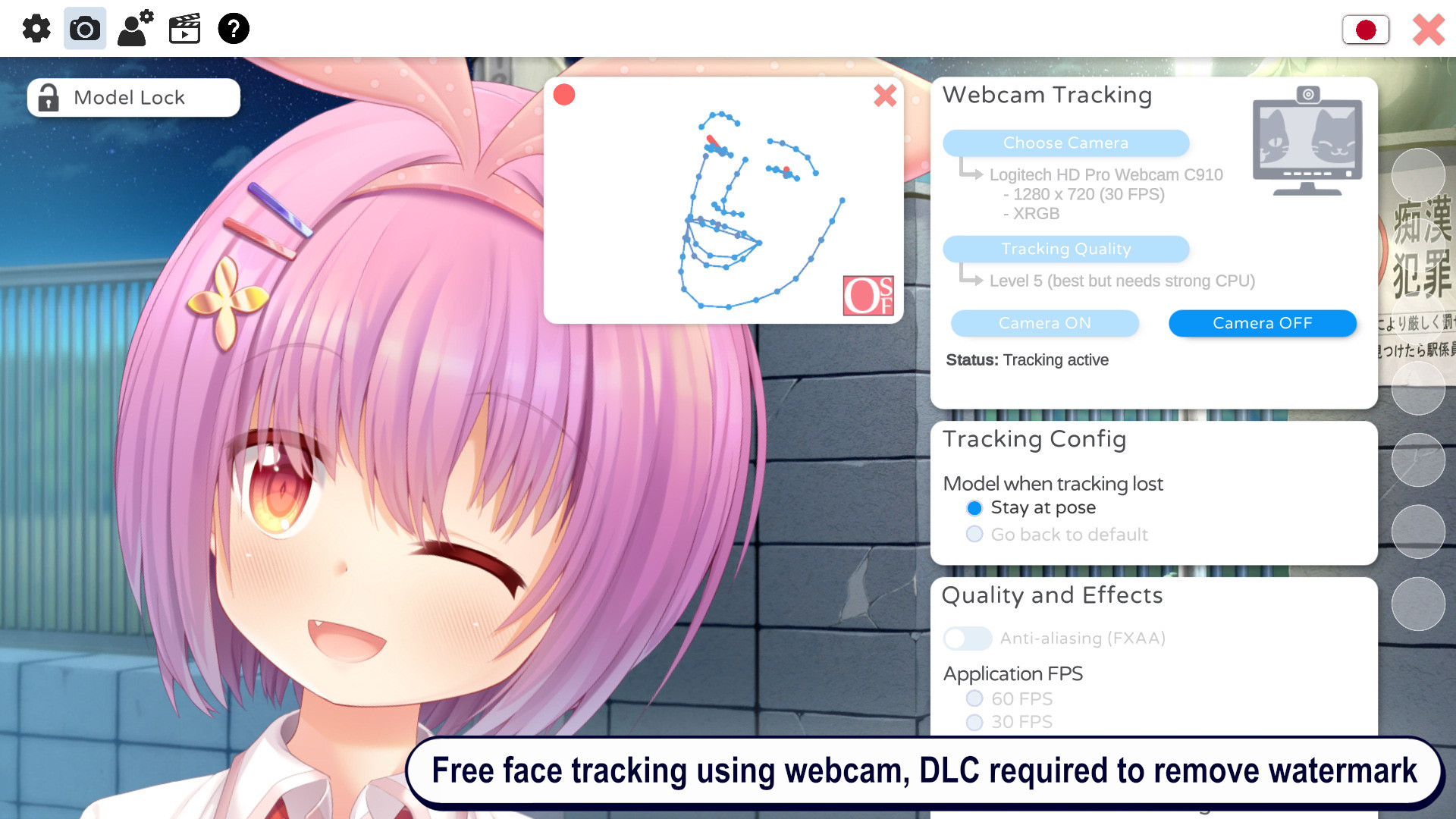
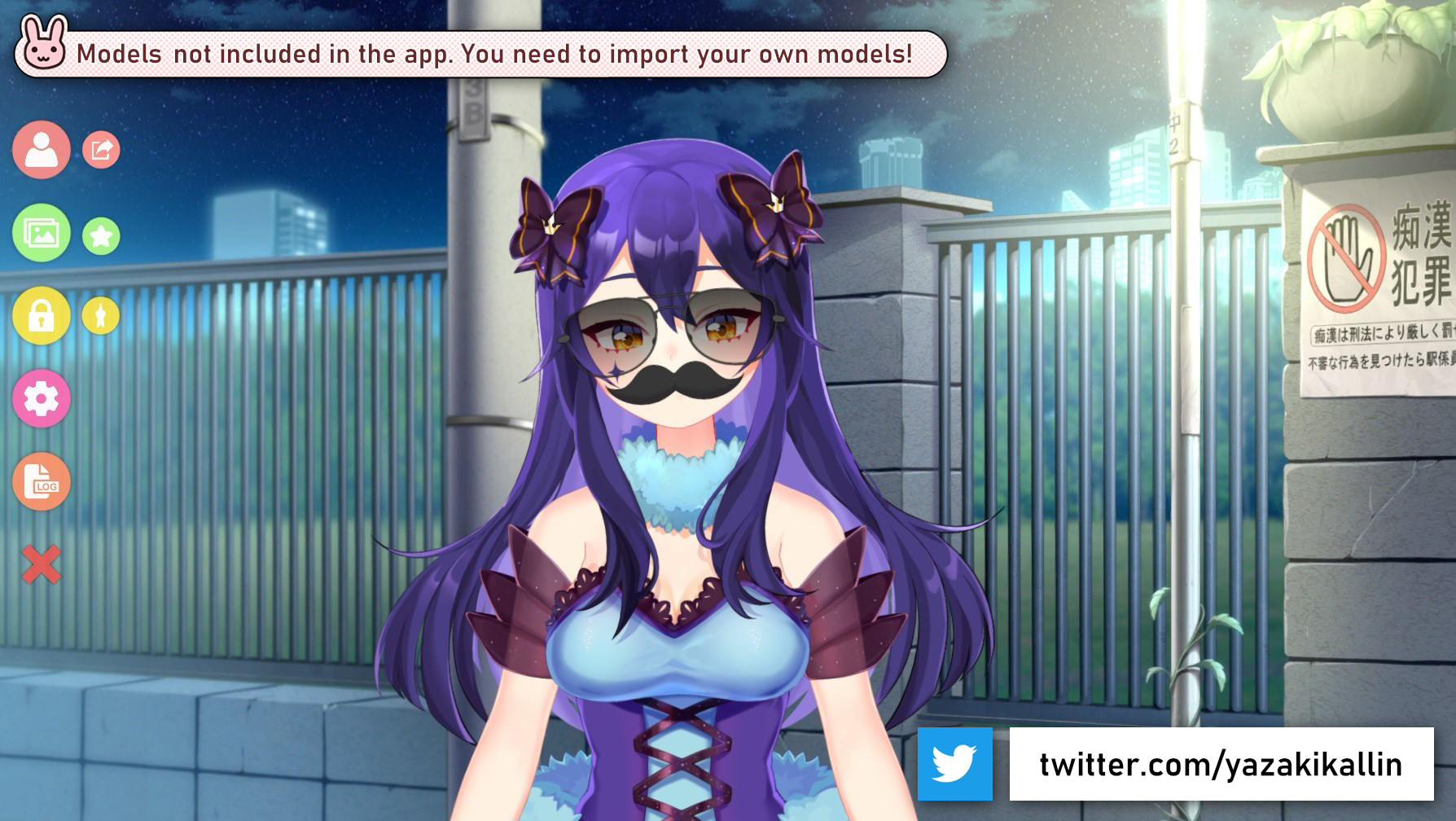
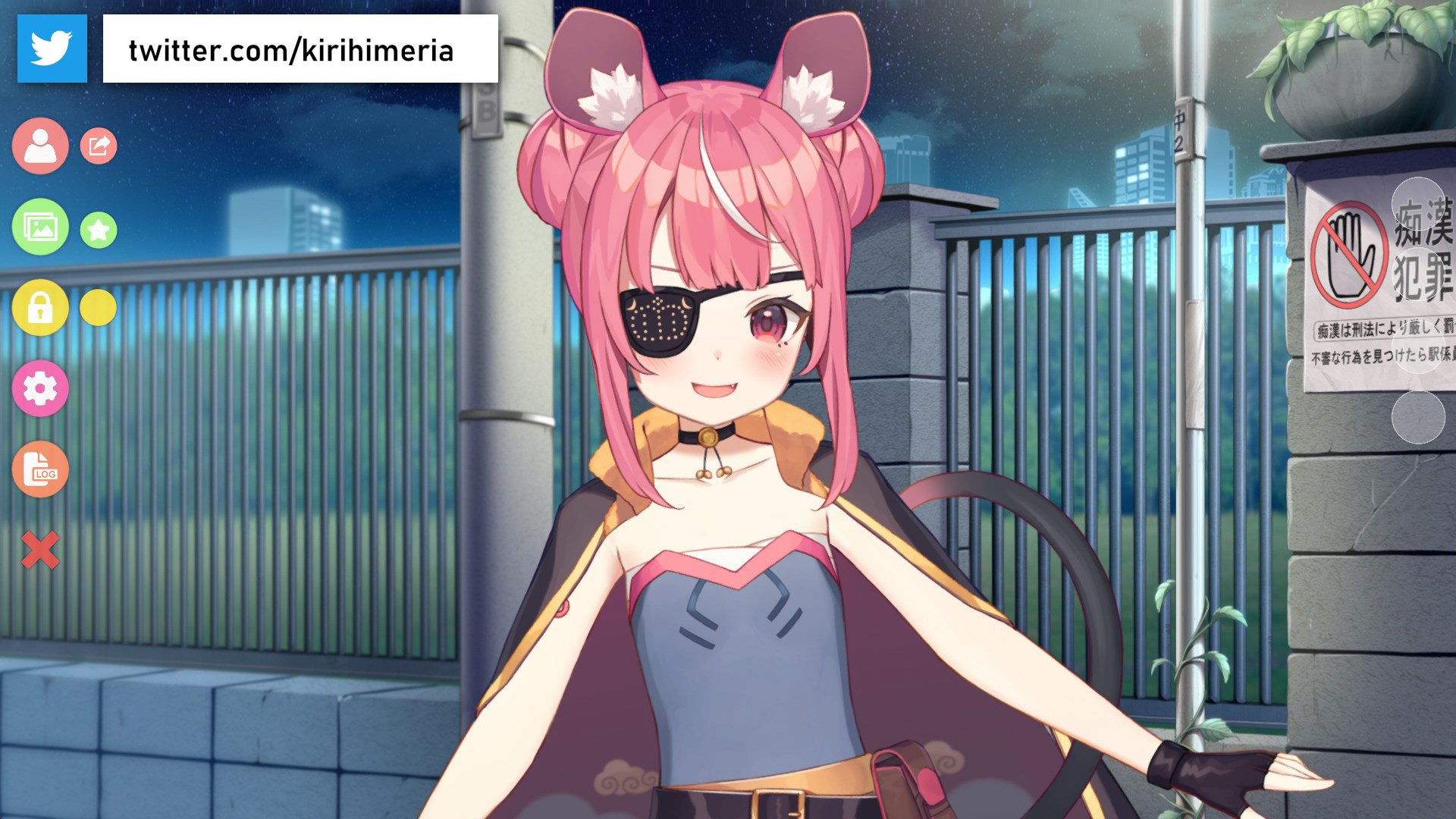
Players launch VTube Studio to import or create Live2D avatars, then use a webcam or motion-capture suit to control the character’s facial expressions and body movements in real time. While the avatar streams or records, users can attach and animate props on the model, switch between multiple costumes, and adjust parameters such as lighting or background without leaving the application.

Rating 8/10 Free 2021-03-12
Next: Moon Sweepers Saved Join to talk about this game View on Steam

Trailer

Gameplay

Review

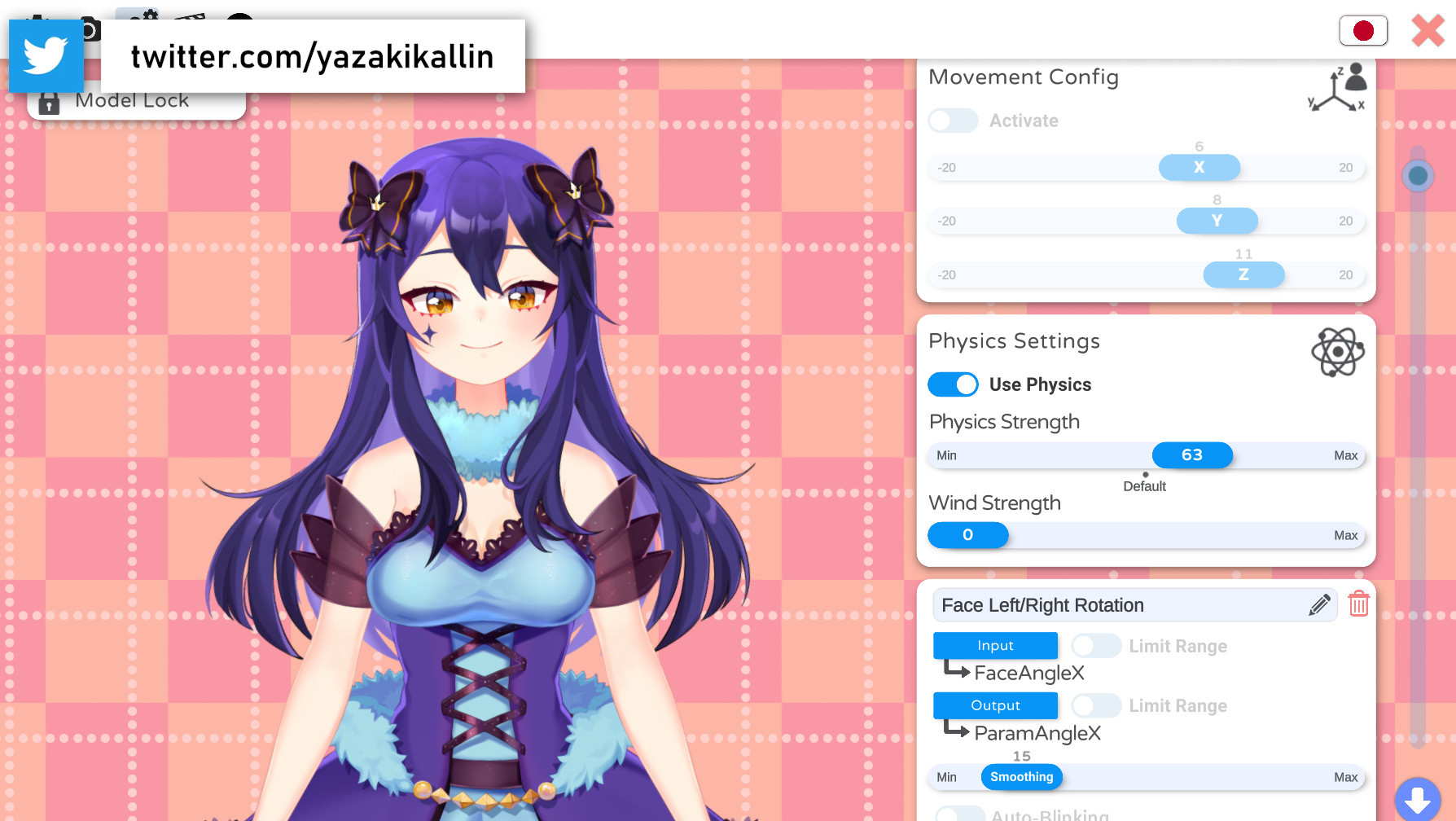
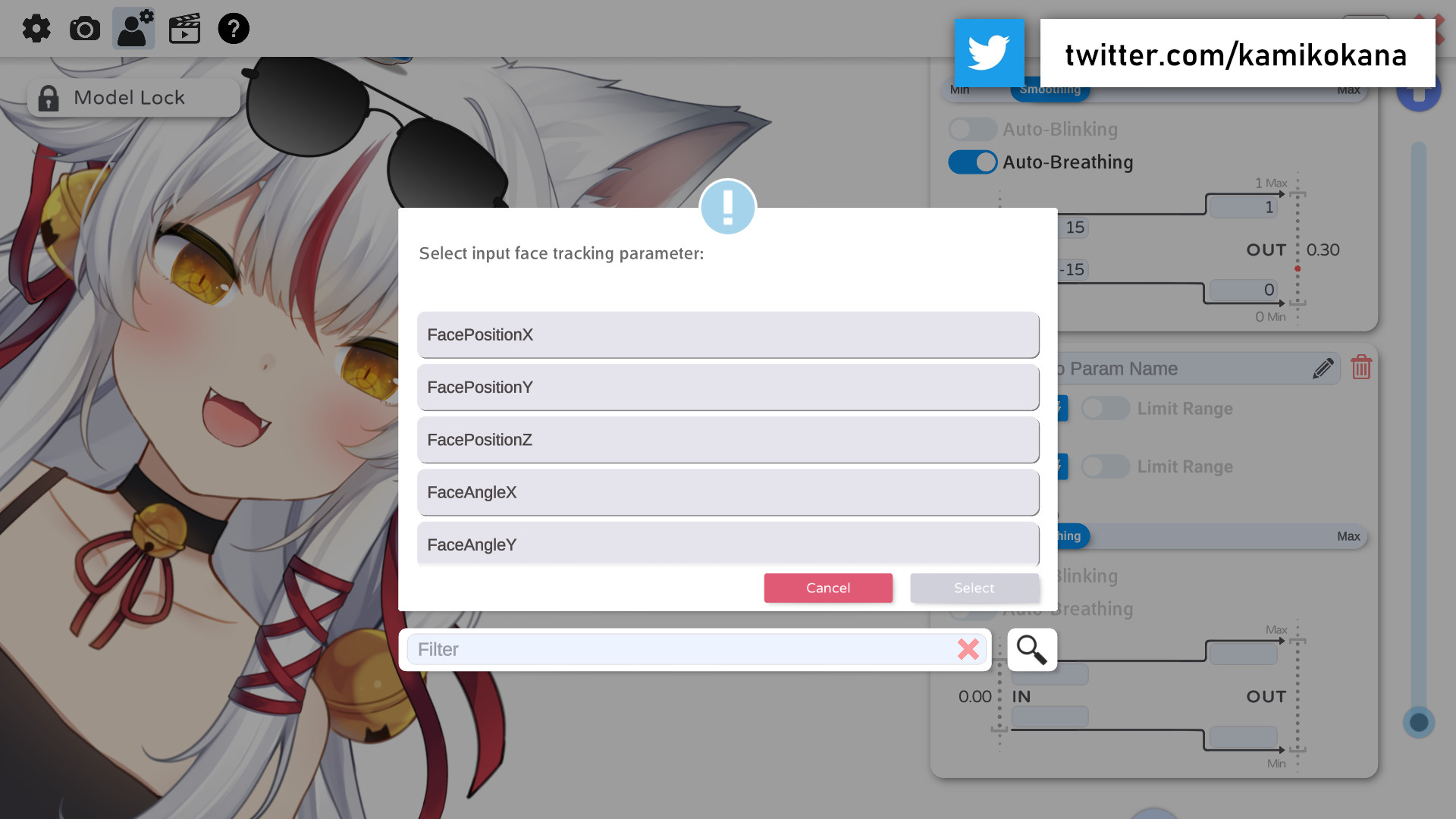
The software continuously maps webcam data to dozens of Live2D parameters, letting subtle head tilts or eyebrow raises register instantly on screen. Props pinned to the model follow bone movements automatically, so a held microphone stays in the character’s hand as the arm swings. Performance stays smooth even when several animated items or layered costumes are active. The interface displays a clean workspace with a large preview pane and collapsible panels for model, camera, and hot-key settings. Every element-sliders, toggles, color pickers-uses the same muted dark theme and legible sans-serif text, so nothing distracts from the live preview. Audio is limited to system-level input monitoring, giving creators a clear but unembellished cue of microphone levels. The program suits solo streamers who already possess rigged Live2D assets and want reliable tracking without additional subscriptions. It also meets the needs of small production teams that require quick prop changes during live shows or pre-recorded segments. Users without existing models will need separate illustration and rigging tools before the software becomes useful.

Community

#vtube-studio

1 d ·Youtube

Still not sure what the point of that game is. I launched it after a friend said it might be worth a look, but the whole thing felt thin once I was inside. You drag sliders and attach objects, watch the model twitch, then do the same thing again.

One moment that stood out was when I stuck a paper fan on the character’s hand and tried to make it look natural. The motion never quite lined up with the shoulder, so the fan kept floating a few inches off. I kept nudging the offset for a minute or two before giving up.

It runs in the same window where VTube Studio handles the Live2D import, which is convenient but also means you’re stuck with whatever lighting and background settings you already have. No quick way to test a different scene without leaving and coming back.

After twenty minutes the loop never changed, and nothing new opened up. I turned it off and went back to something that actually gives me a reason to keep adjusting the model.


this is the page I sent over
https://dfaceme.com/game/vtube-studio
#vtube-studio

Screenshots

More like this